

Download Depth Photo 3D Live Wallpaper – 3D Live Wallpaper, parallax effect, Lens Blur, Android, mobile wallpaper, immersive experience
Overview
Depth Photo 3D Live Wallpaper is a mobile application designed to transform static images into dynamic, immersive 3D parallax experiences on Android devices. The software enables users to create and apply live wallpapers that respond to device movement, offering a visually engaging effect when tilting the screen. It leverages the depth data from Google Camera’s Lens Blur function to generate a sense of depth and motion, making photos appear three-dimensional.
This functionality is particularly useful for showcasing portrait-style images captured with depth sensing capabilities. The app supports both preloaded default wallpapers and custom images, allowing users to personalize their device’s visual environment. It is ideal for mobile enthusiasts, photography lovers, and users seeking a unique way to display their images.
The developer has focused on delivering a lightweight, dedicated tool for enhancing the visual experience of Android home screens. While specific use cases beyond wallpaper customization were not detailed, the app serves as a creative outlet for those interested in interactive mobile design.
Key Features & Capabilities
- 3D Parallax Effect – Uses depth data to simulate a three-dimensional movement when the device is tilted, creating an immersive visual experience.
- Google Camera Lens Blur Integration – Allows users to import images captured with the Lens Blur function to generate depth-aware wallpapers.
- Custom Image Support – Users can apply their own photos to create personalized 3D live wallpapers.
- Default Wallpaper Collection – Includes three built-in 3D wallpapers for immediate use without additional setup.
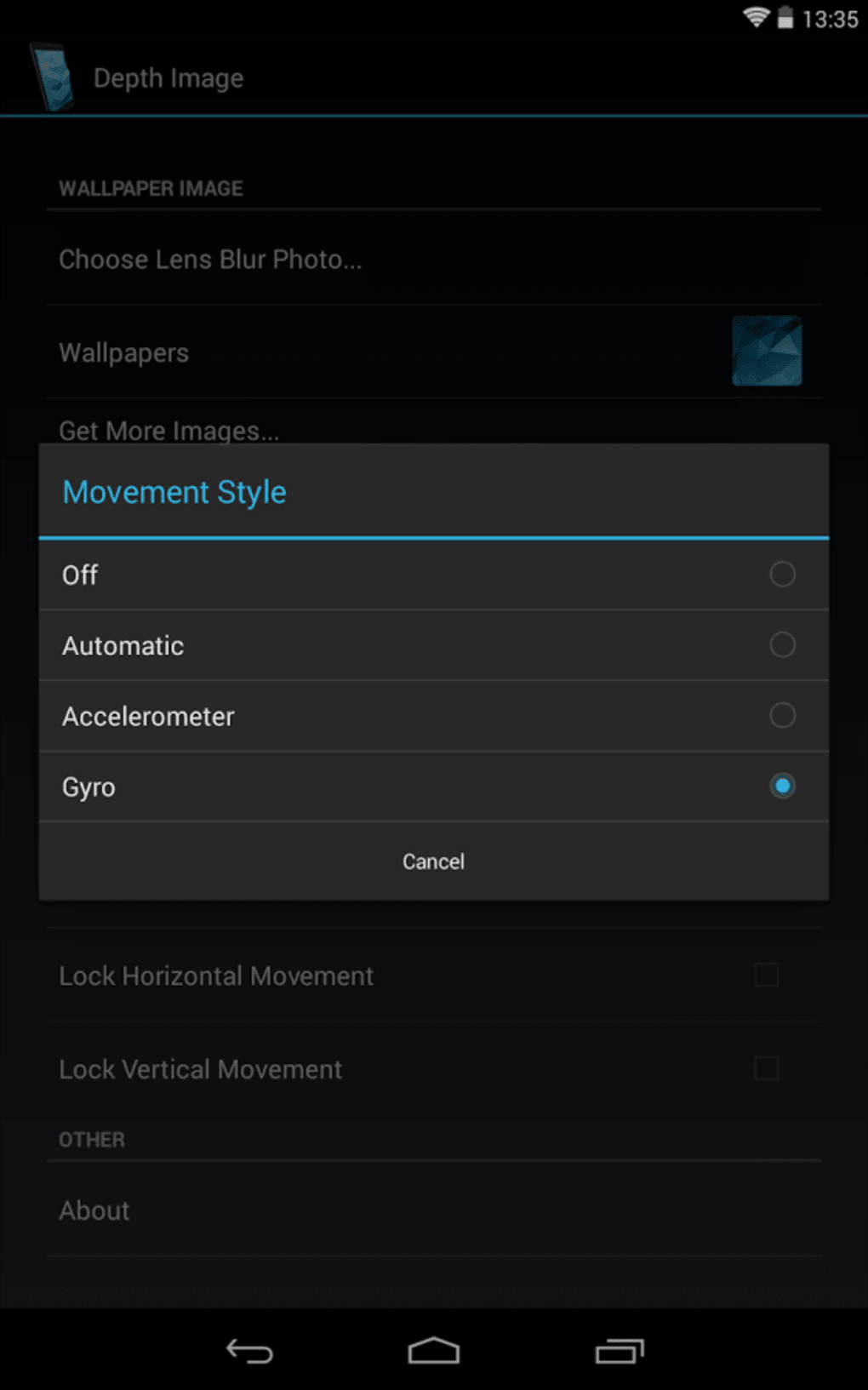
- Device Motion Sensing – Responds to device orientation changes via gyroscope or accelerometer, with enhanced performance when using the gyroscope.
These features enable users to transform ordinary photos into interactive visuals. For example, a portrait image with a blurred background can appear to shift subtly as the device is moved, giving the illusion of depth. The app is especially effective for users who frequently use Google Camera and have access to depth data from their photos. While the full gyroscope functionality is locked behind a paid feature, the core experience remains accessible with the standard accelerometer mode. This makes the app suitable for casual users looking to enhance their device’s aesthetic without requiring advanced technical knowledge.
User Interface, Workflow & Performance
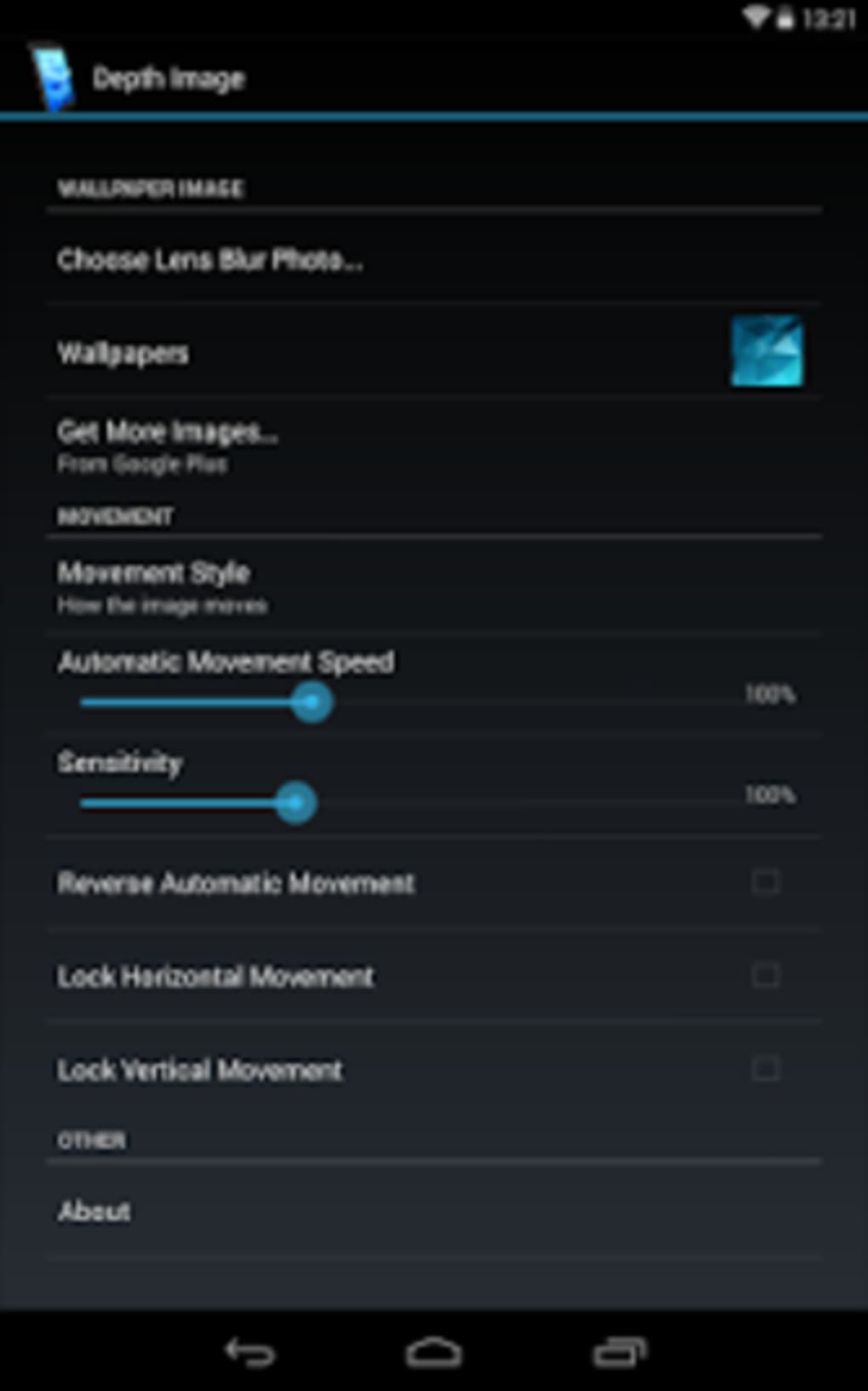
The user interface of Depth Photo 3D Live Wallpaper appears to be straightforward, focusing on simplicity and ease of use. Navigation likely centers around selecting a default wallpaper or importing a personal image, with minimal on-screen clutter. The workflow is designed to guide users through the process of applying a 3D effect, from image selection to preview and application.
The app’s performance is expected to be efficient given its small file size of 10.5 MB, suggesting optimized code and minimal resource demands. However, exact performance details such as CPU or RAM usage were not specified. Stability during prolonged use or under varying device conditions was not documented.
Users may experience smooth operation on modern Android devices, particularly those with responsive motion sensors. The app’s reliance on hardware features like the gyroscope indicates that performance may vary based on device capabilities. The developer did not provide information on background behavior or battery impact, so users should monitor usage accordingly.
Compatibility & System Requirements
Depth Photo 3D Live Wallpaper is designed for Android devices and supports the latest version of the operating system as of its release date. The app has a file size of 10.5 MB, indicating it is lightweight and suitable for devices with limited storage. Specific hardware requirements such as minimum RAM or processor specifications were not listed by the developer.
Compatibility information is limited to the Android platform, and no details were provided regarding older versions or device types. The app’s reliance on Google Camera’s Lens Blur function suggests it may require a device with a dual-camera setup and depth-sensing capabilities. The developer did not specify which Android versions are supported beyond the general platform.
Users should verify compatibility with their device’s camera system and motion sensors before installation. The app’s functionality is dependent on access to depth data from images, which may not be available on all devices or camera configurations.
Pros and Cons
Pros
- Creates immersive 3D parallax effects on Android devices
- Supports Google Camera Lens Blur images for enhanced depth perception
- Includes three default 3D wallpapers for immediate use
- Lightweight application at 10.5 MB
- Simple, intuitive interface for quick setup
Cons
- Gyroscope mode requires a paid upgrade
- Dependent on Google Camera’s Lens Blur function
- Limited to devices with depth-sensing camera capabilities
- Exact system requirements not disclosed
- Performance may vary based on device hardware
FAQ Section
Is Depth Photo 3D Live Wallpaper compatible with all Android devices?
The app is designed for Android, but compatibility depends on the device’s camera system and motion sensors. It requires access to depth data from Google Camera’s Lens Blur function, which may not be available on all devices.
Does the app require an internet connection to work?
No, the app functions entirely offline once installed. It uses locally stored images and device sensors to generate the 3D effect.
Can I use my own photos as 3D wallpapers?
Yes, users can import their own photos captured with Google Camera’s Lens Blur function to create custom 3D live wallpapers.
Is the gyroscope mode available for free?
No, the enhanced gyroscope mode is a premium feature that requires a paid upgrade.
How often does the app receive updates?
Update frequency is not specified by the developer. Users should check the app store for the latest version and improvements.
Final Thoughts
Depth Photo 3D Live Wallpaper delivers a unique and visually appealing way to enhance the Android home screen experience. By leveraging depth data from Google Camera’s Lens Blur function, it transforms ordinary photos into dynamic, interactive wallpapers that respond to device movement. While the core functionality is accessible to all users, the full potential is unlocked with the gyroscope mode, which is available through a paid upgrade.
The app’s lightweight design and simple interface make it easy to use, even for those unfamiliar with advanced customization tools. It is particularly well-suited for photography enthusiasts and mobile users who enjoy personalizing their devices with creative visuals. Despite some limitations in compatibility and functionality, the app offers a compelling blend of aesthetics and interactivity.
For users seeking a fresh and immersive way to display their images, Depth Photo 3D Live Wallpaper is a solid choice.
Download Depth Photo 3D Live Wallpaper now





.png)

